How It Works

Add a heading regarding how your platform works.

1.

Join Maximise

This is when we start getting to know you.

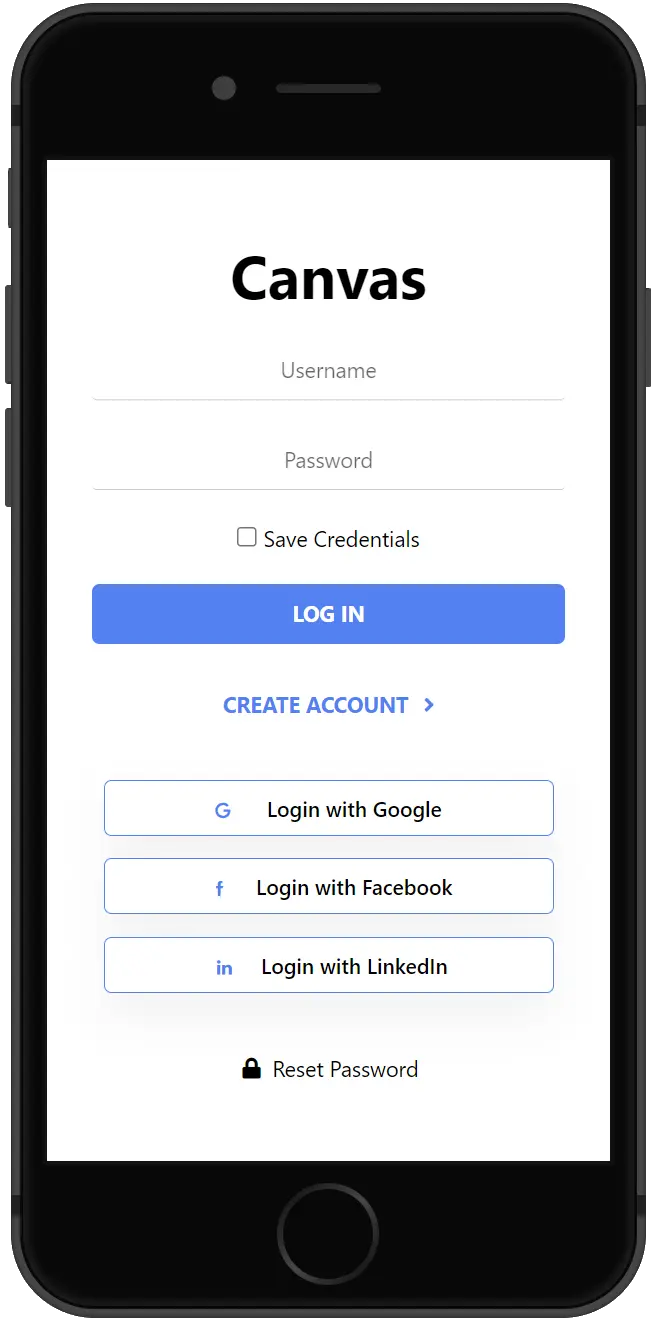
You must create an account before you can claim, add, or bookmark Listings. Already have an account? Great! Sign in when prompted.

2.

Claim Listing

Don't give someone else the keys to your house.

We often add Listings on behalf of businesses, and maybe we’ve already added yours. Claim what’s yours!

3.

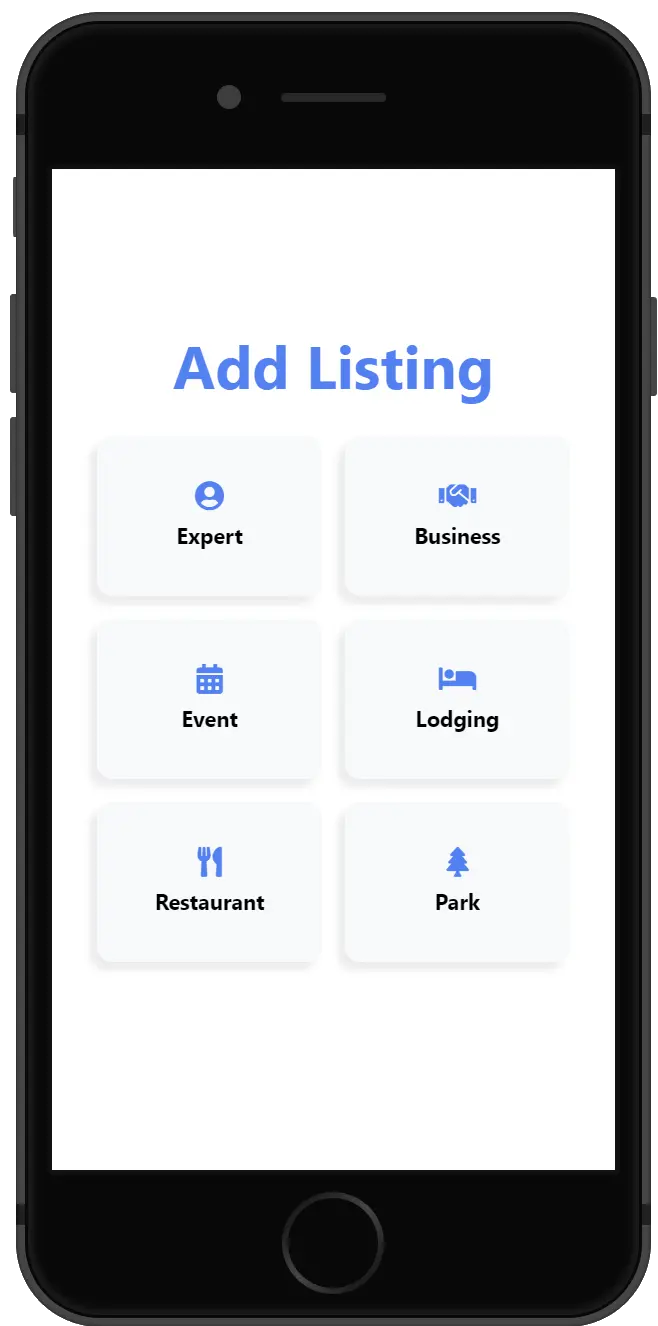
Add Listing

No Listing to claim? We got you!

Our Listing builder makes it super easy to put your products and services in front of a large audience.

Tip: Sign up for Package 4 for the most exposure, features, and cost-saving perks!

4.

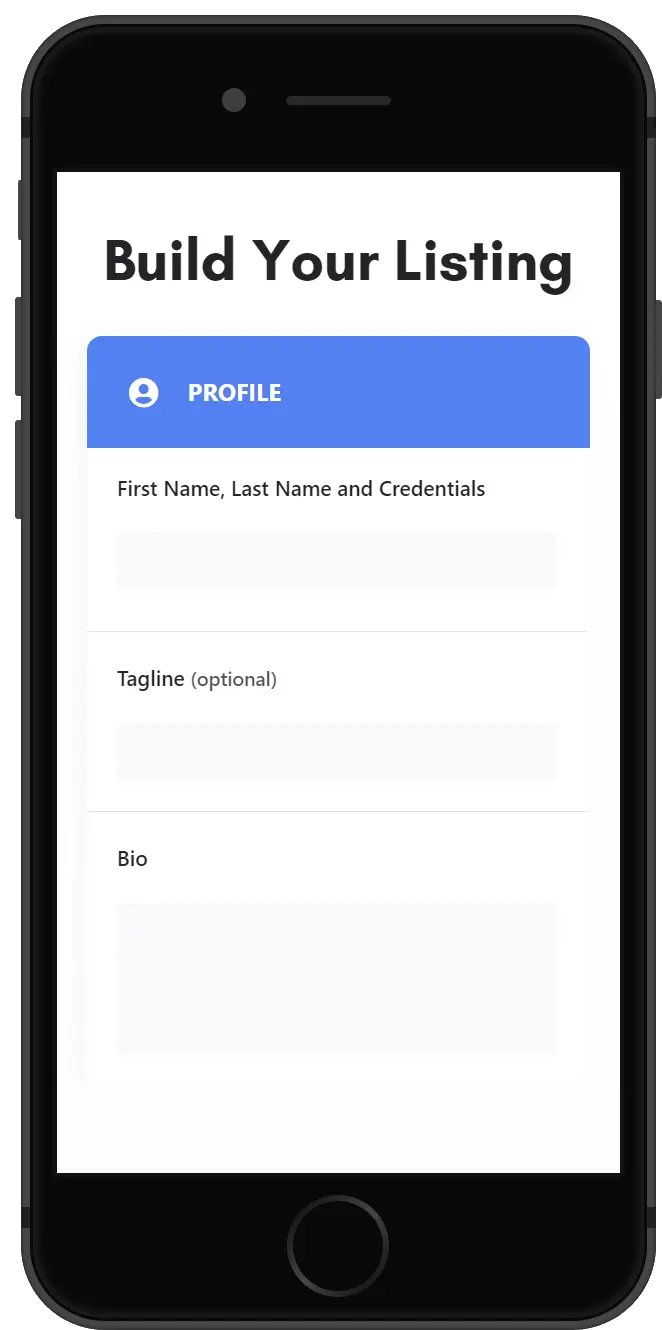
Build Listing

Turn lurkers into customers!

The more complete your Listing, the more questions it answers and the more trust it establishes. Don’t let an incomplete Listing be the reason someone passes you by.

Tip: Sign up for Package 4 for the most exposure, features, and cost-saving perks!
5.

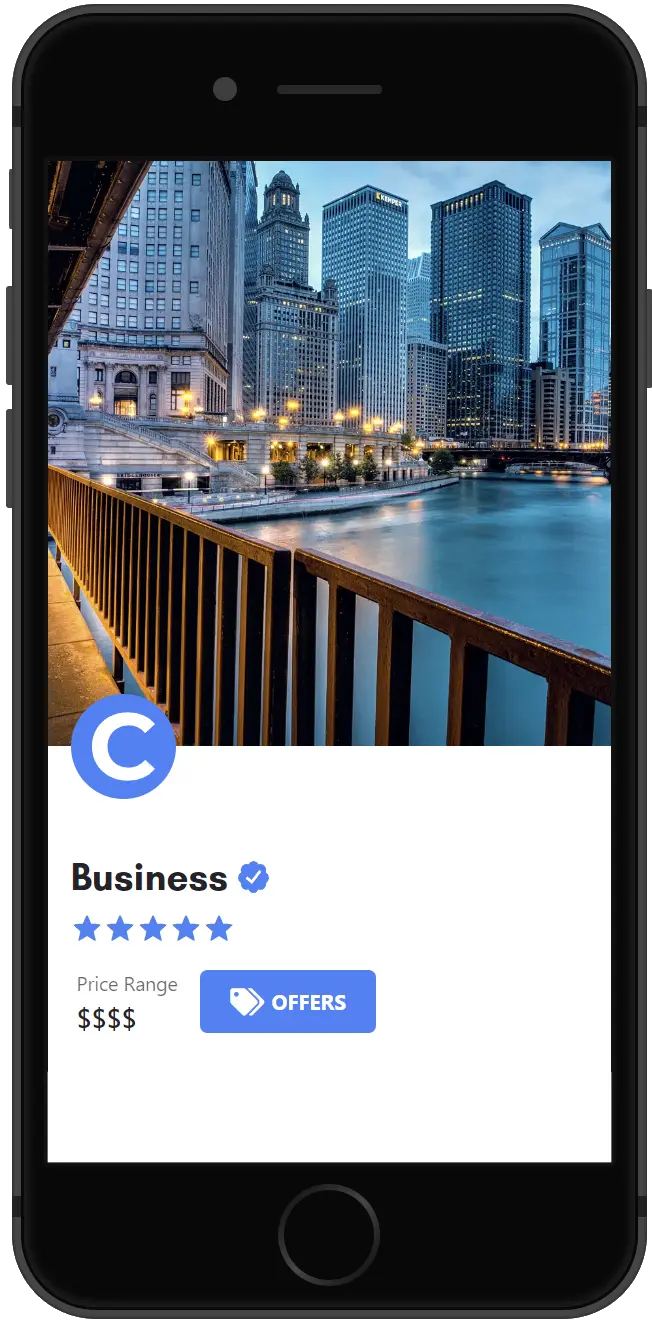
Listing Approval

The final step to join the Maximise family.

After successful checkout, you’ll receive an email with your order information. Your Listing will be submitted to our team for approval, and you’ll receive another email once it is approved.

Tip: While you wait, shop our store for current offers from us and our partners.
6.

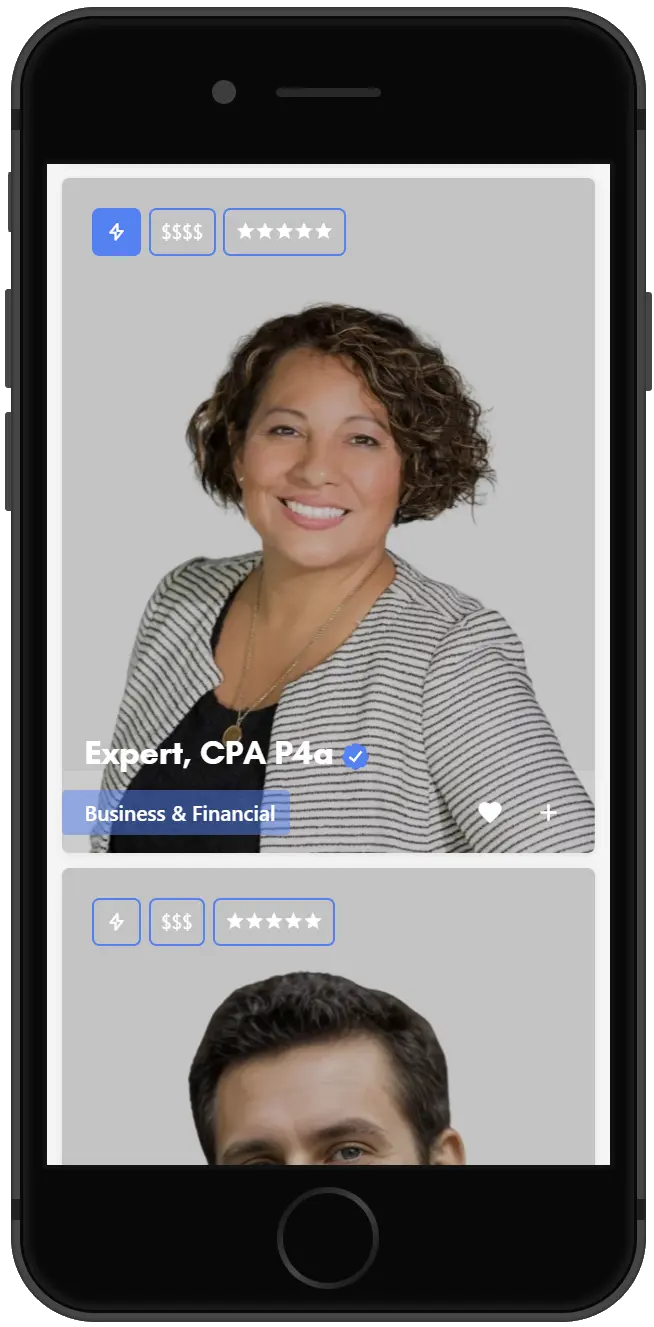
Reach Further

Leverage our platform to its fullest to save money and reach more customers.

Add a short description to encourage users to sign up for your newsletter to receive future promotions.

Claim Listing

Find and take control of any Listings you have on our platform. No Listing to Claim? Click here to add one.

Add Listing

Wondering if you already have a Listing on our platform? Click here to find out.

Questions?